Scratchpad
The scratchpad is a global persistent text area for jotting down quick thoughts, temporary notes, or scratch work. It auto-saves on blur so you never lose what you’ve written.
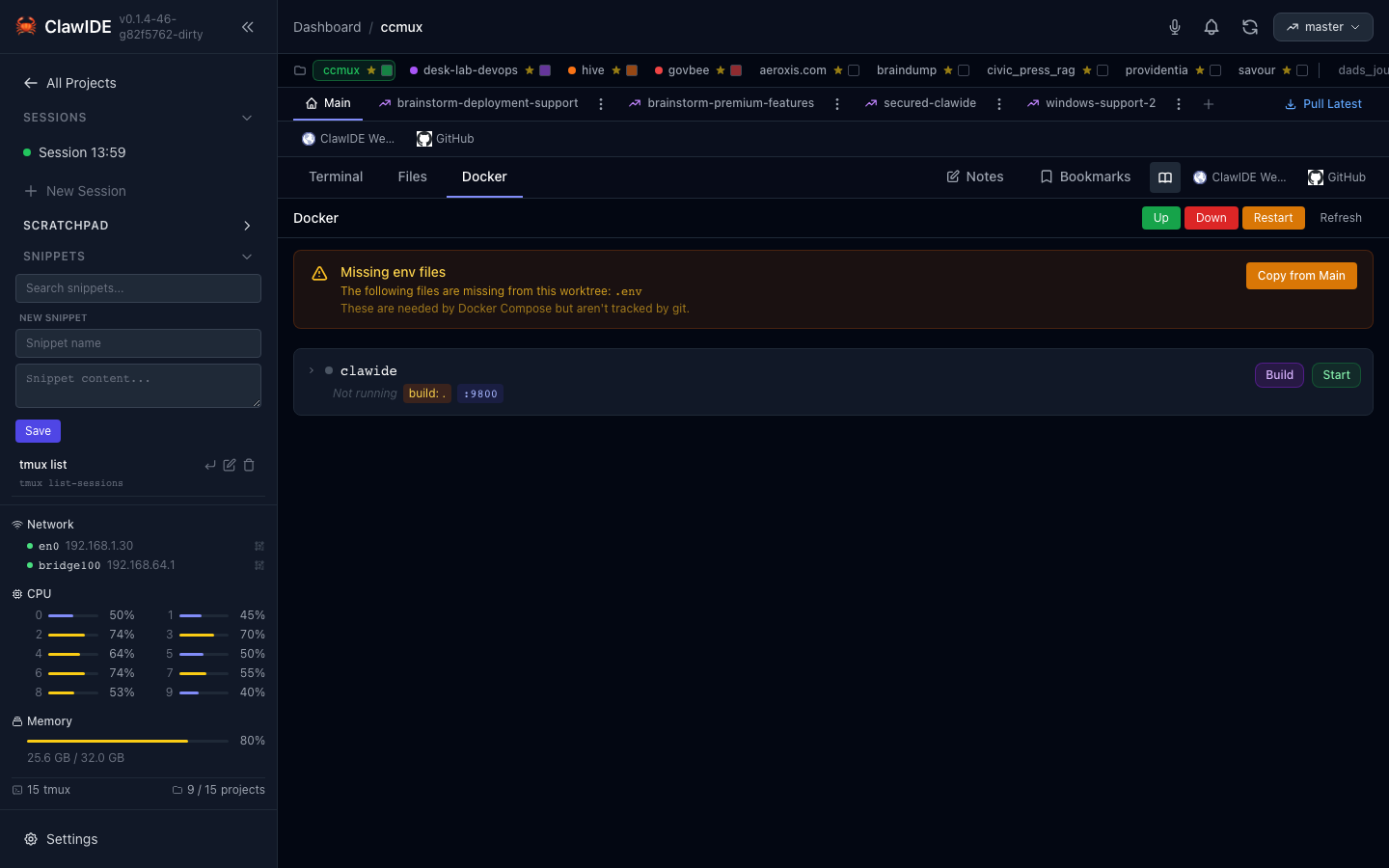
Using the Scratchpad
- Click Scratchpad in the sidebar.
- Type anything — it’s a freeform text area.
- Navigate away. Your content is automatically saved when the scratchpad loses focus.
Persistence
Scratchpad content is stored persistently and survives server restarts. Each feature workspace also has its own scratchpad, so you can keep feature-specific scratch notes separate from your global scratchpad.
Use Cases
- Paste a command you need to run later
- Draft a commit message before committing
- Keep a quick checklist for the current task
- Store temporary output from a terminal session