Skills
Skills management lets you create, edit, and organize Claude Code skills — reusable automation modules that extend Claude’s capabilities with custom slash commands and behaviors.
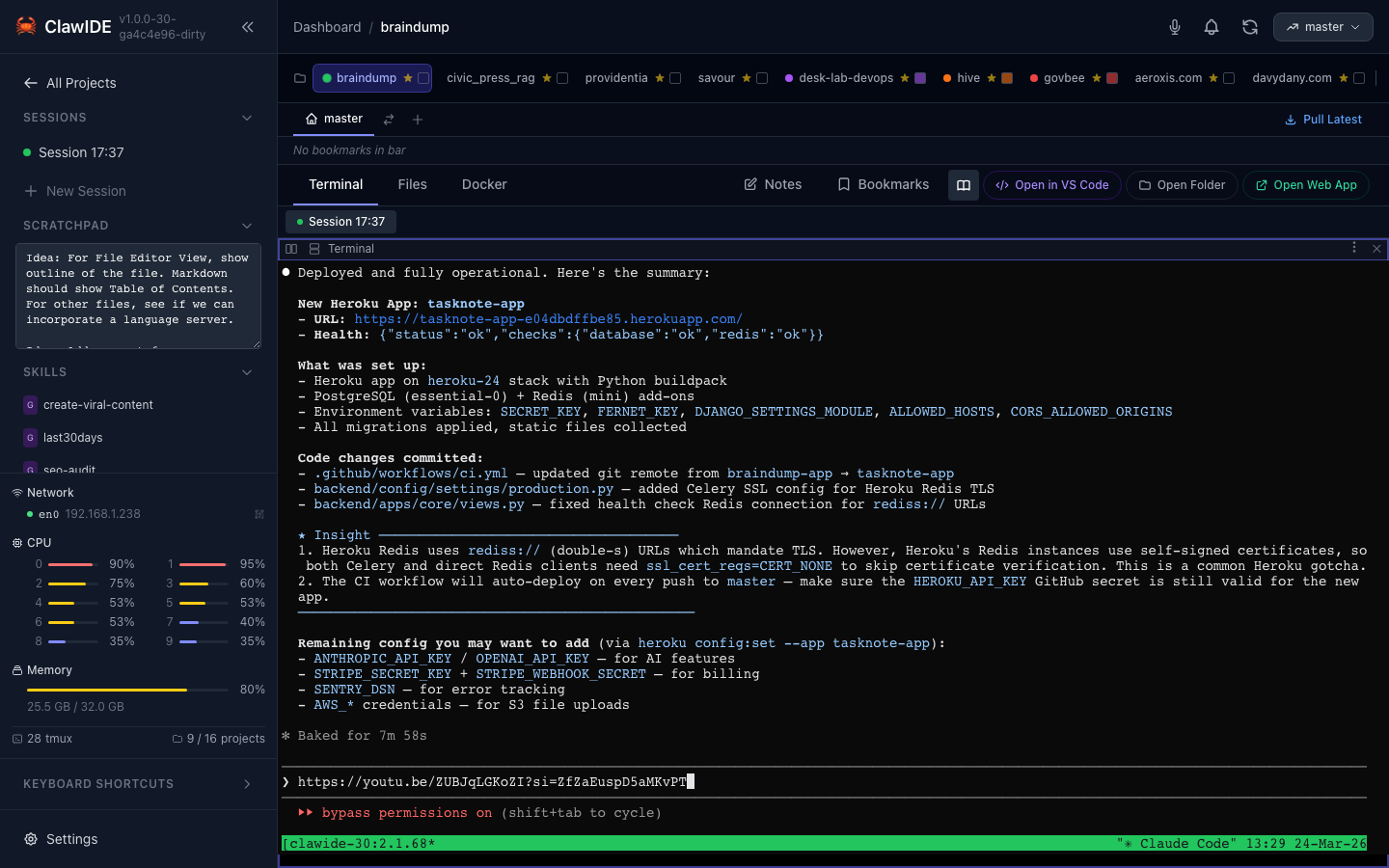
What Are Skills?
Claude Code skills are reusable command definitions stored as directories with a SKILL.md file. When a skill is registered, Claude can invoke it as a slash command (e.g., /my-skill). Skills can define custom instructions, specify which model to use, restrict available tools, and include context from other files.
Creating a Skill
- Open the skills management panel from the sidebar.
- Click New Skill.
- Fill in the skill configuration:
- Name — The skill’s identifier (becomes the slash command name)
- Description — What the skill does (shown in Claude’s skill list)
- Version — Semantic version string
- Model — Preferred Claude model
- Allowed Tools — Tools the skill can access
- User Invocable — Whether users can trigger it manually (default: yes)
- Argument Hint — Help text for the skill’s arguments
- Content — The skill’s instructions in markdown
- Choose the scope: Global or Project.
- Click Save.
Scoping
Skills live in .claude/skills/ directories:
- Global (
~/.claude/skills/<skill-name>/SKILL.md) — Available in every project - Project (
<project>/.claude/skills/<skill-name>/SKILL.md) — Available only in that project
Move skills between scopes using the Move action.
Advanced Configuration
Skills support several advanced options:
| Field | Description |
|---|---|
effort | Reasoning effort level for the skill |
context | Additional files or patterns to include as context |
agent | Agent type to use when executing |
homepage | URL for the skill’s documentation |
disable_model_invocation | Prevent Claude from auto-triggering this skill |
Storage Format
Each skill is a directory containing a SKILL.md file with YAML frontmatter:
---
name: deploy
description: Deploy the current project to production
version: 1.0.0
user-invocable: true
model: sonnet
allowed-tools: Bash, Read
---

You are a deployment assistant. When invoked, perform these steps...